LineLink
A lightweight MES for a single production line, live in two weeks. Make one line visible and controllable first, then scale from a pilot to a plant-wide rollout.
Digitalization can start with one production line
Plant-wide MES projects are long and costly, leaving many small and medium factories unable to start. LineLink proves real results at the cost of one line, with controllable risk and visible gains.
Low investment
Start with a single workstation terminal or tablet. Billing is based on the number of lines and modules, with no plant-wide budget required up front.
Fast deployment
Standard templates work out of the box and focus on work orders, reporting and dashboards. Deployment and training are typically completed within two weeks.
Easy to maintain
The interface matches shop-floor habits, so staff can use it the same day. Internal staff can handle routine maintenance without a dedicated on-site IT team.
Five core functions for daily single-line management
Designed around what actually happens on the line every day: focused, sufficient and easy to use.
Work order dispatch
Planners dispatch work orders to the line with one click, showing quantity, due date, process requirements and priority clearly instead of relying on verbal handovers.
- · Batch dispatch and priority adjustment
- · Work order changes sync to workstations in real time
Scan-to-report
Scan a work order or product code to start, finish or report defects. Data writes back in real time, replacing paper routing cards and manual summaries.
- · Works on workstation tablets, scanners and phones
- · Reported quantities and defect reasons accumulate automatically
Electronic dashboard
Shop-floor screens show planned output, actual output, achievement rate and exceptions in real time. Line status is visible at a glance, so morning meetings no longer rely on paperwork.
- · Supports always-on TV and video-wall displays
- · Output progress and exceptions are highlighted
Andon call
Workstations raise an andon call with one click. Calls are routed by type to team leaders and equipment staff, and response and resolution times are logged for review.
- · Call types can be customized and graded
- · Unanswered calls escalate automatically
Output and efficiency analytics
Automatically track output, labor hours, yield and achievement rate by shift, operator and work order. Daily and weekly reports export in one click to support performance and improvement.
- · Clear shift and operator efficiency comparisons
- · Reporting data generates statistical reports automatically
Start with LineLink today,
upgrade to plant-wide MES tomorrow
The data model is consistent with Qicheng MES, so it scales smoothly as lines and requirements grow without starting over.
Single-line pilot
Deploy LineLink on one representative line, live in two weeks, and validate results with real data at low cost and low risk.
Multi-line expansion
Replicate the proven approach across more lines, unify data definitions and performance standards, and gradually build the factory's own process and management templates.
Plant-wide MES
Build on existing data to enable scheduling, quality SPC, equipment management and batch traceability, upgrading to plant-wide collaborative Qicheng MES.
One set of real-time data across screens, PCs and phones
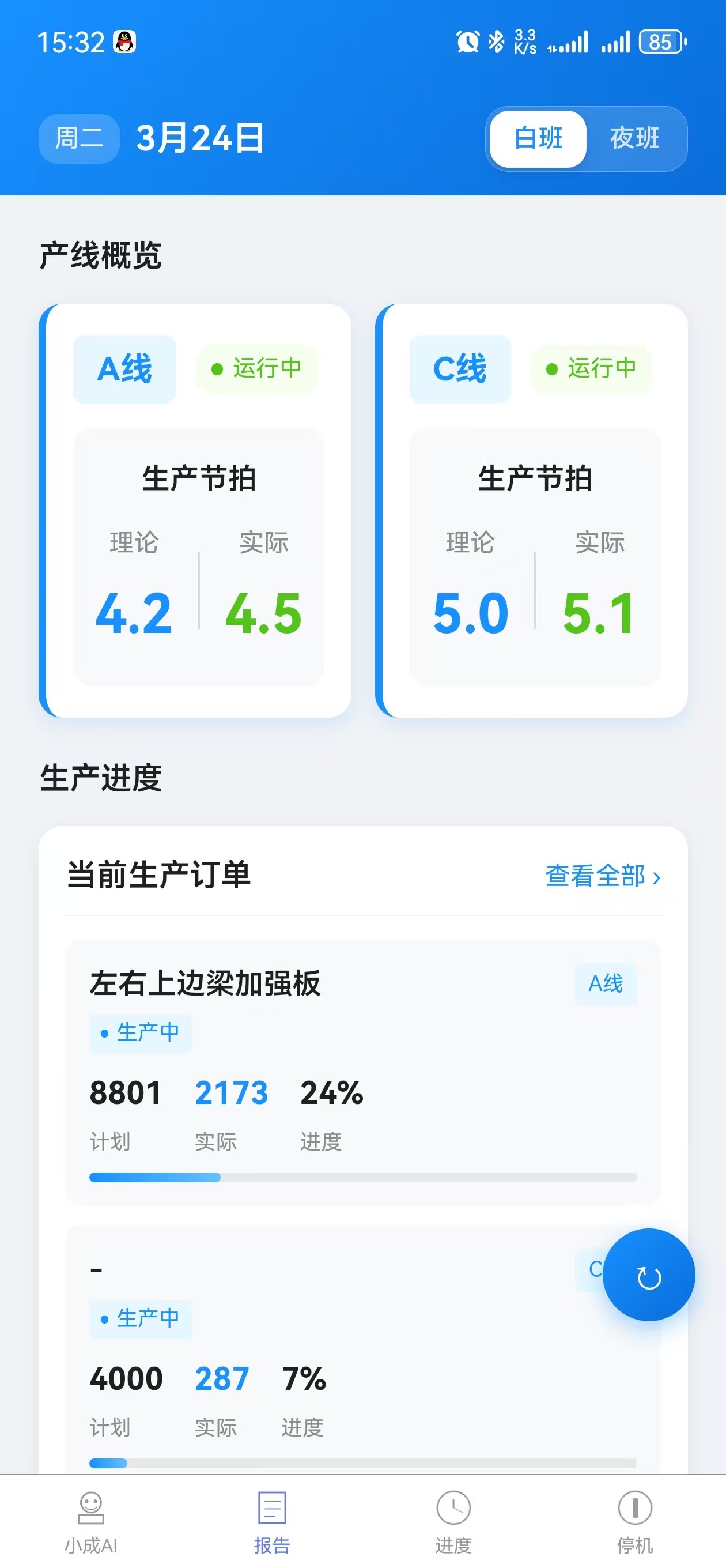
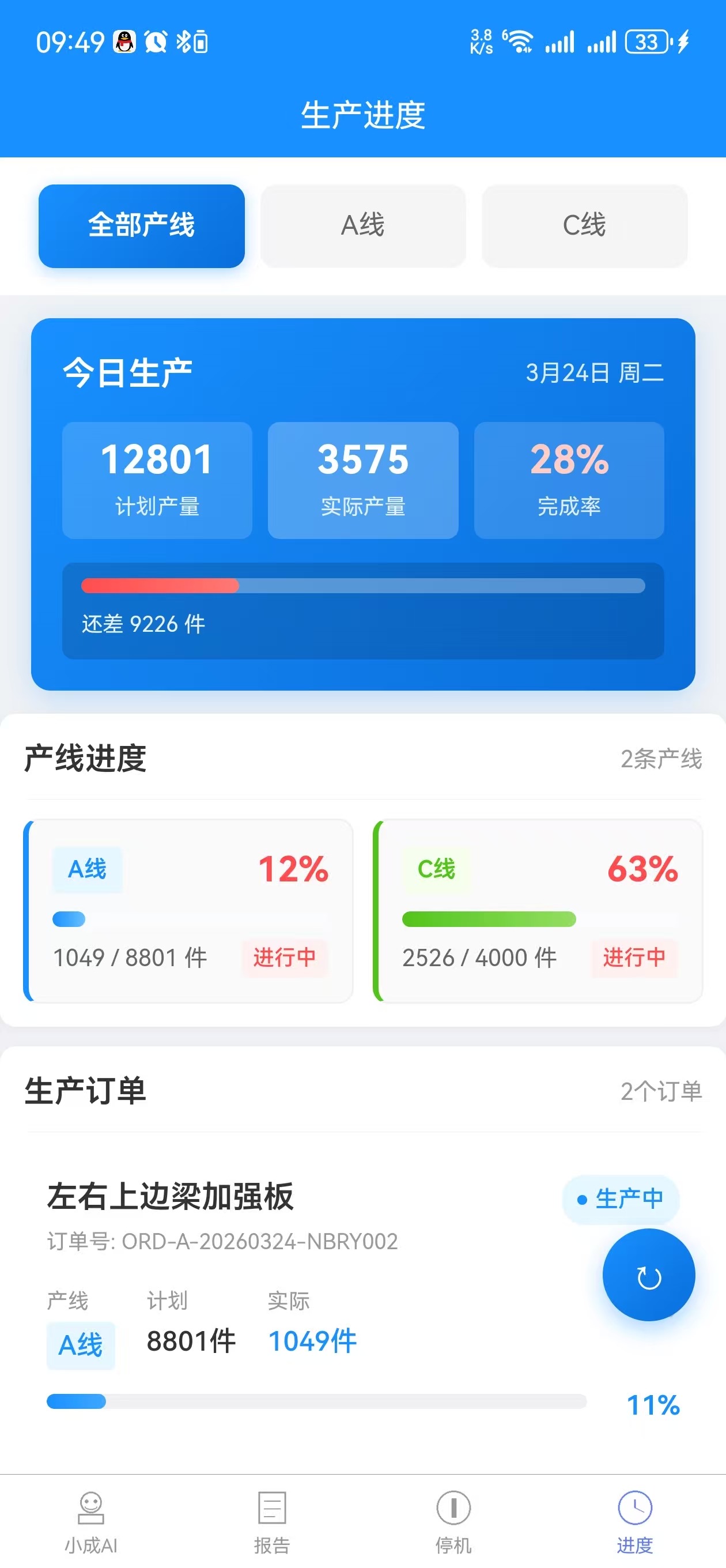
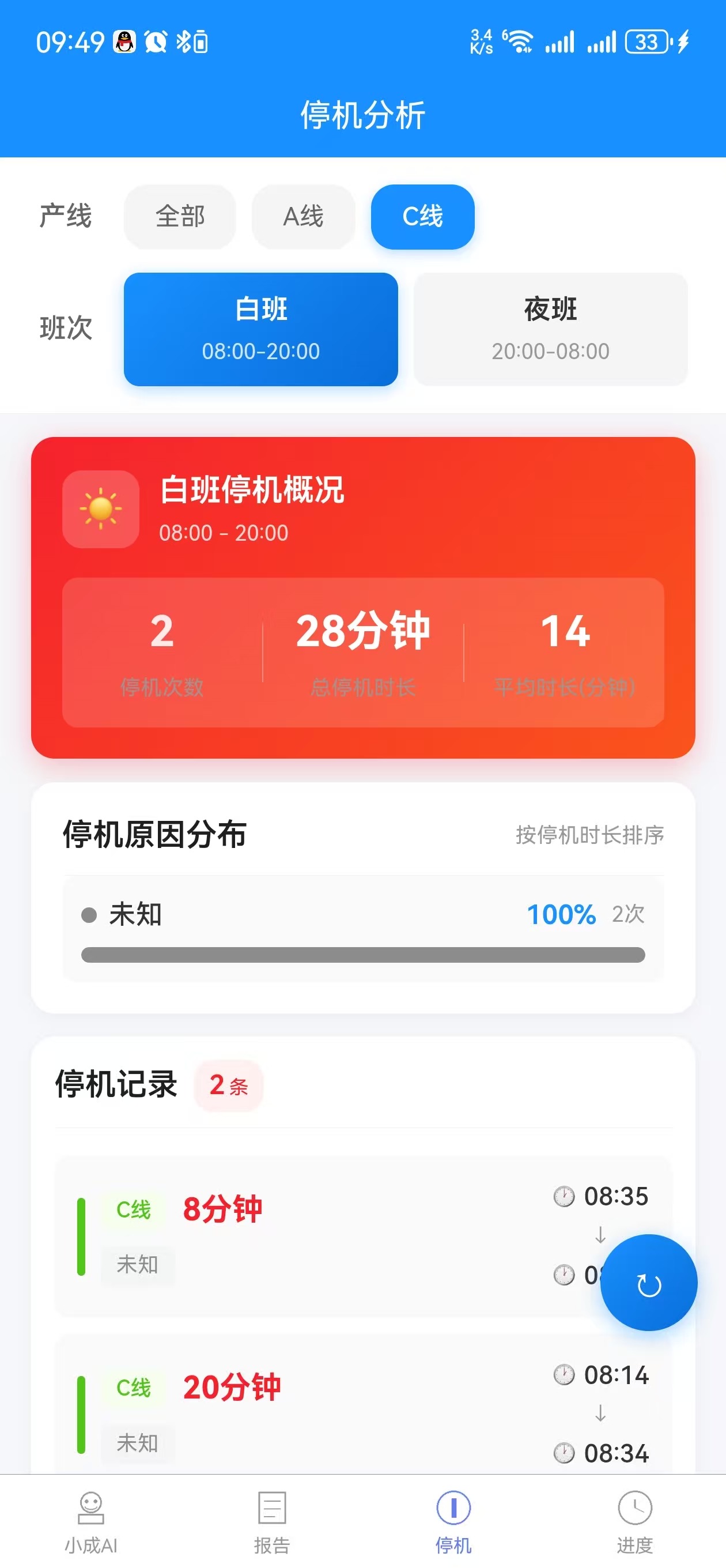
LineLink synchronizes work order execution, cycle time and downtime data to shop-floor screens and management phones, so the floor and management see the same data.
Suited to these factories and management scenarios
Figures below are averages from live customers; actual results vary with factory foundations and management maturity.
Small and medium factories getting started
Limited budget and no dedicated IT team; looking for an easy, low-cost way to make production transparent and get the numbers right.
Bottleneck lines first
For critical lines with concentrated orders and tight cycle times, deploy dashboards and reporting first to quickly identify bottlenecks and continuously improve efficiency.
Early pilot for plant-wide projects
Validate a model line before a plant-wide MES project, using quantifiable results to build management consensus and reduce resistance to further rollout.
2weeks
Average deployment time
Rapid deployment with standard templates
+28%
Output per capita increase
Less paper records and manual summaries
-60%
Exception response time
One-click calls reach the right people instantly
100%
Digital reporting data
Work order progress visible in real time